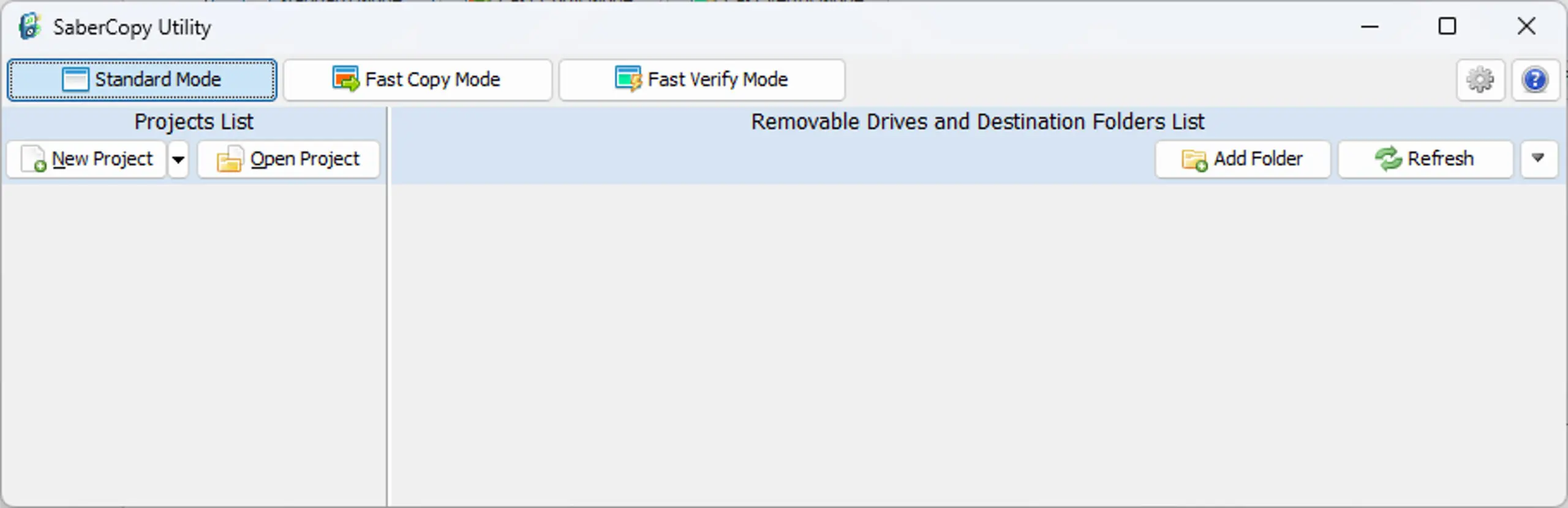
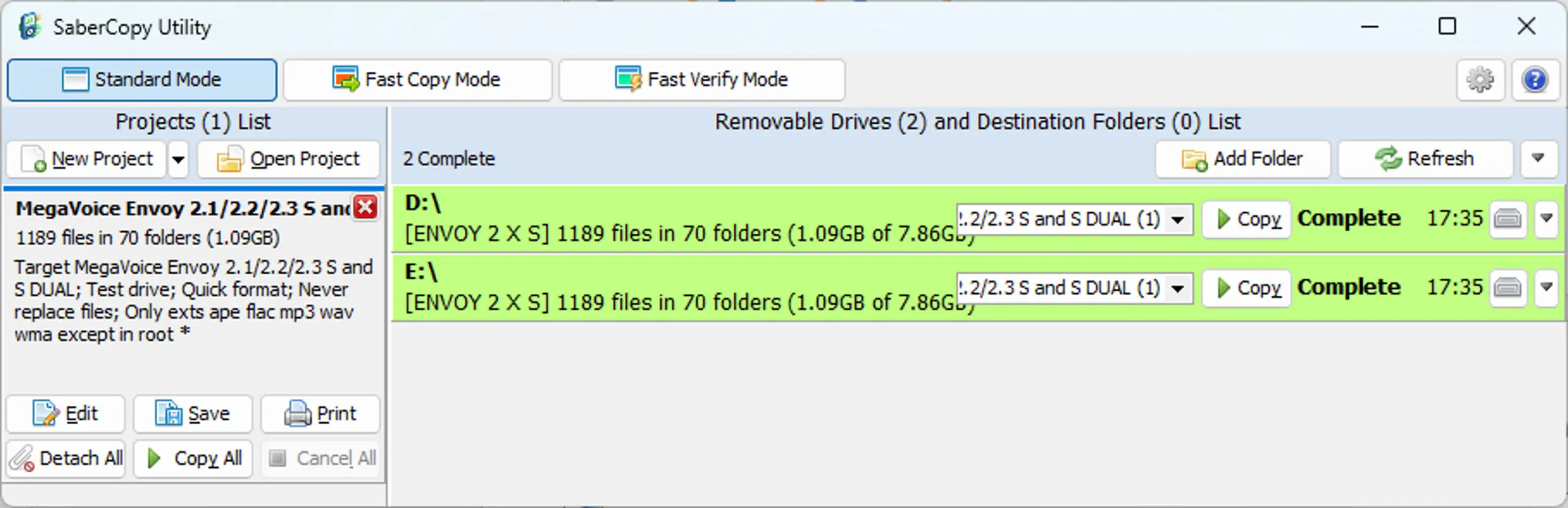
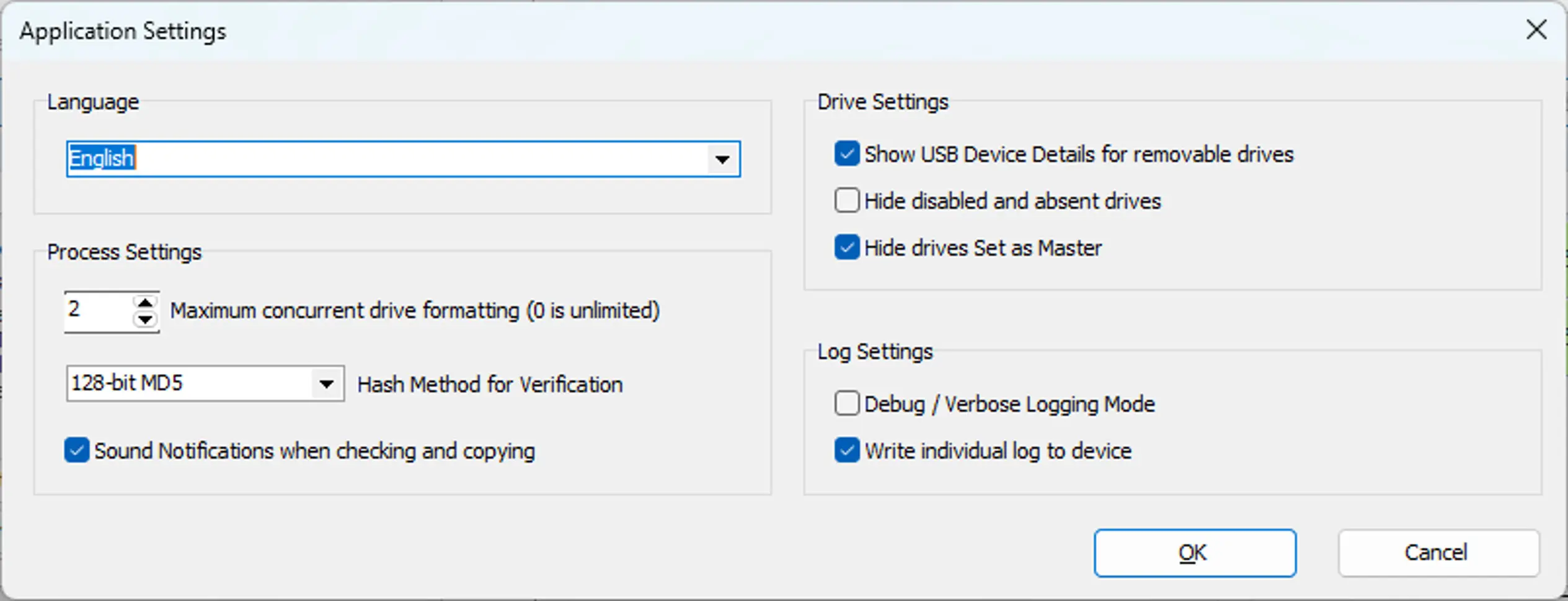
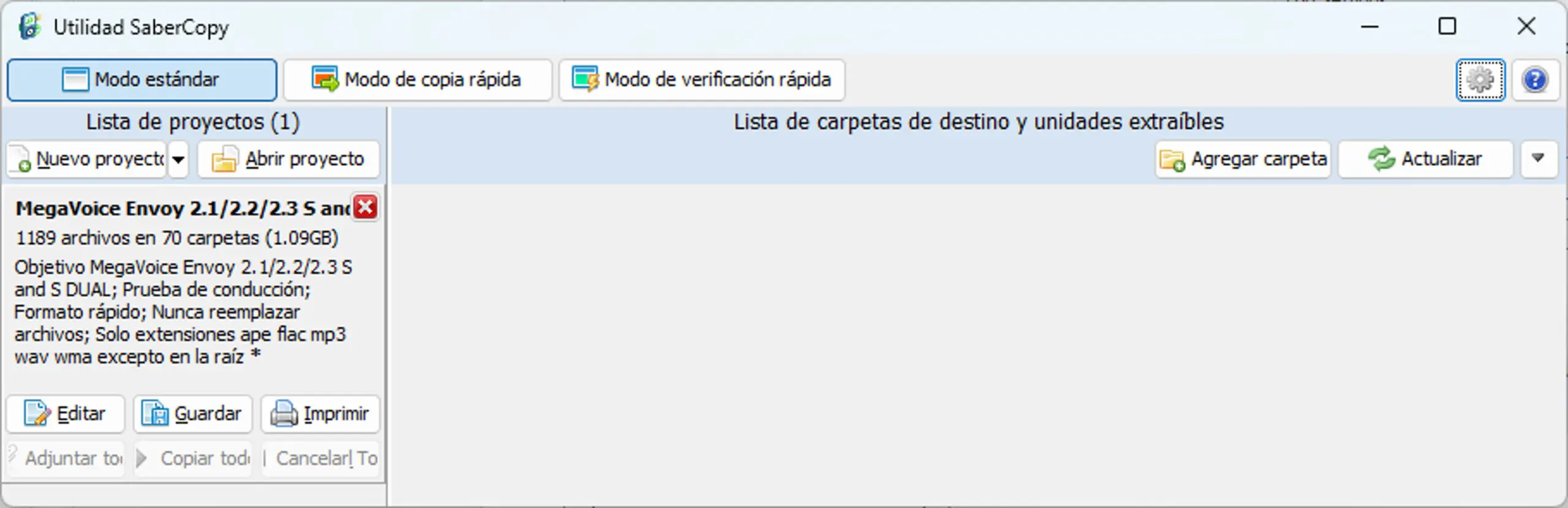
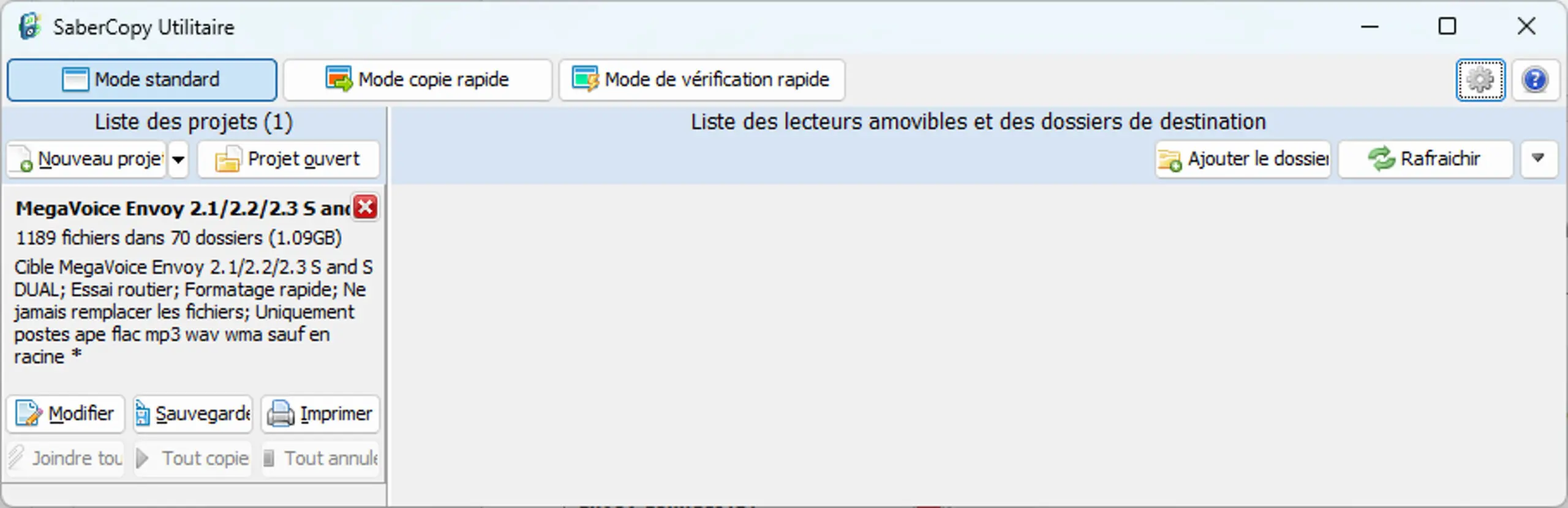
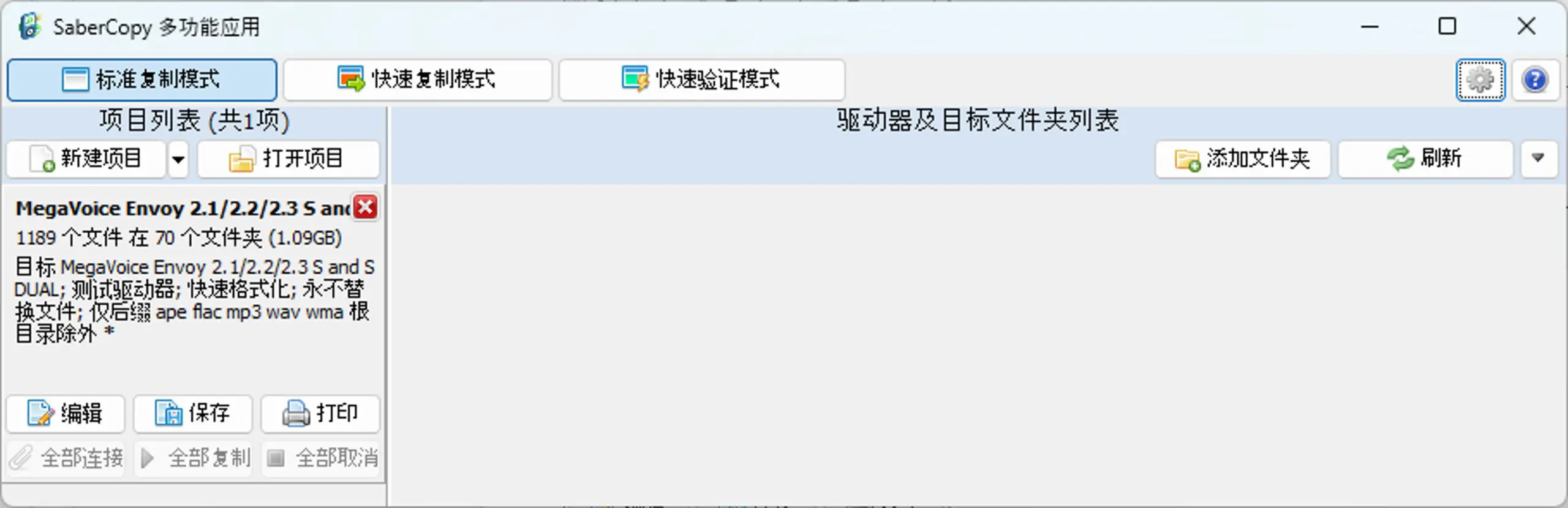
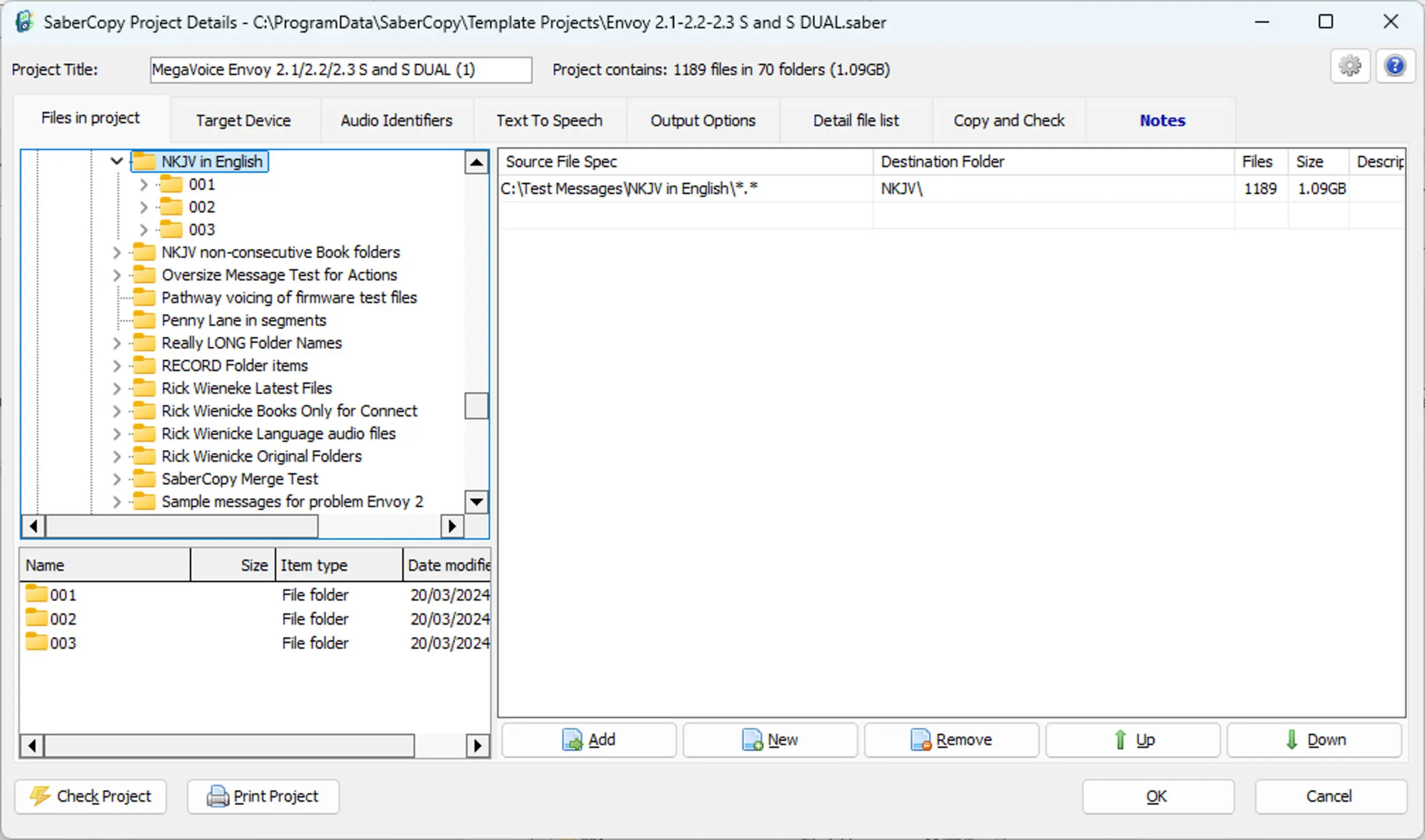
SaberCopy
SaberCopy: The Bridge Between Your Message and the Mission Field
Powerful Software. Free Access.
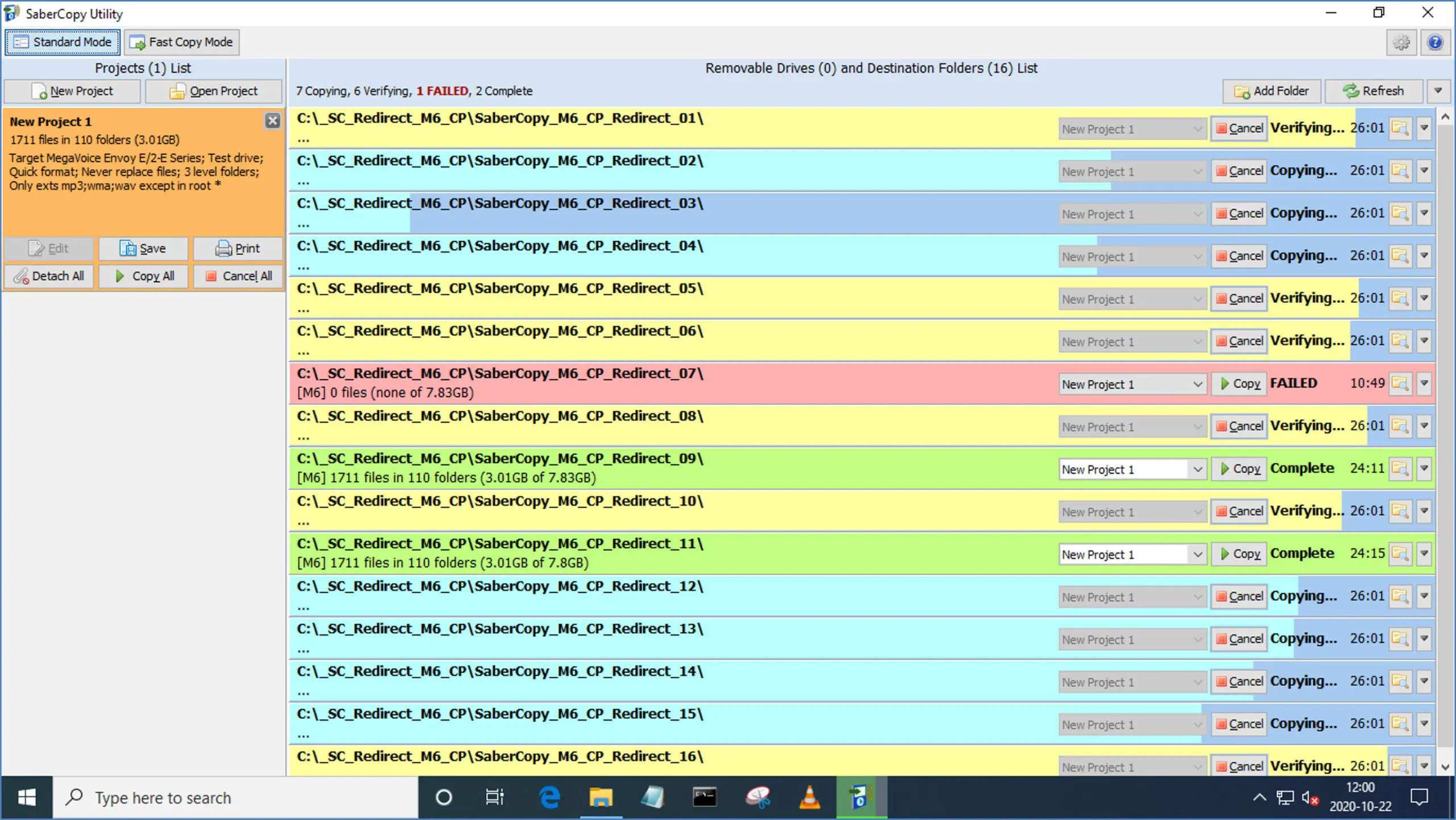
Global Recordings Network (GRN) has generously offered to team up with MegaVoice to make their SaberCopy utility available to our partners and Media Centers free of charge.
MegaVoice has worked closely with the development team at GRN since 2016 to enhance their world-class software program making it a robust tool to use for loading and managing MegaVoice players. The results have been impressive!
In an ongoing partnership with GRN, we hope to offer an updated version of SaberCopy at least once a year – hopefully even more often.
Download SaberCopy
Additional Info
- New: Added support for soon-to-be-released Envoy 2.5 S/S Dual.
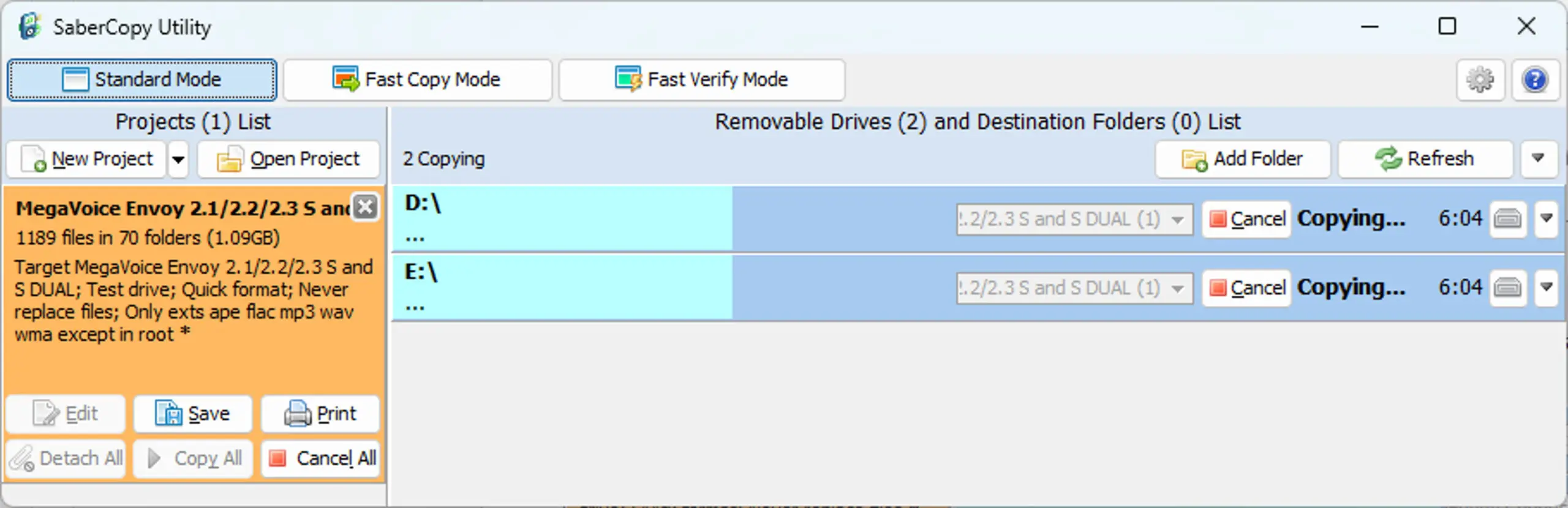
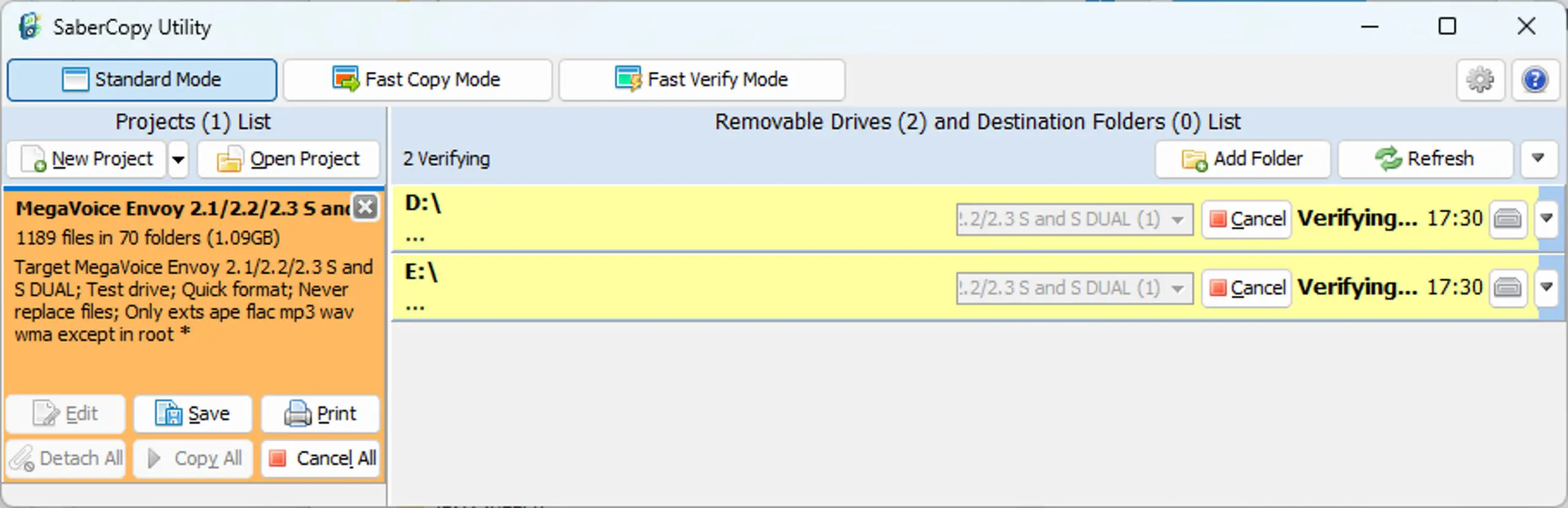
- UI change to better accommodate long drive state messages and double-digit elapsed time.
- Improvements to some log messages.
- Various minor bug fixes and improvements.
SaberCopy v617 – May 12, 2026
- New: Added support for soon-to-be-released Envoy 2.5 S/S Dual.
- UI change to better accommodate long drive state messages and double-digit elapsed time.
- Improvements to some log messages.
- Various minor bug fixes and improvements.
SaberCopy v615 – June 10, 2025
- Fix: Update some generic device images.
- Fix: Correction to some basic rules.
- Fix: Corrected language translation for some text in the installation program.
- New: First release promoting only MegaVoice devices.
SaberCopy v613 – December 23, 2024
- New: Larger clearer images of each player type. Images can be resized to the user’s choice.
- New: Added support for soon-to-be-released MegaVoice players: Encore 2.4, Envoy 3 E, Envoy 2.4 S/S Dual and PocketVoice.
- New: Improved handling of multi-screen setups and window size changes.
- New: Improved error checking of invalid characters when defining volume labels.
- New: Formatting of drives provides better messaging, checking and error handling when failures occur.
- New: Additional logging of file sizes and application settings.
- New: File Explorer button is added to the project panel if the “Files in Project” tab includes a single entry.
- New: Tooltips added for Device dropdown, device structure dropdown and player image.
- Various minor bug fixes and improvements.
SaberCopy v604 – August 27, 2024
- New: SaberCopy has been upgraded to be a 64-bit application. Not only does this lay the foundation for better enhancements in the future, it means that the application can better run on recent versions of Mac/OS using WINE or Crossover.
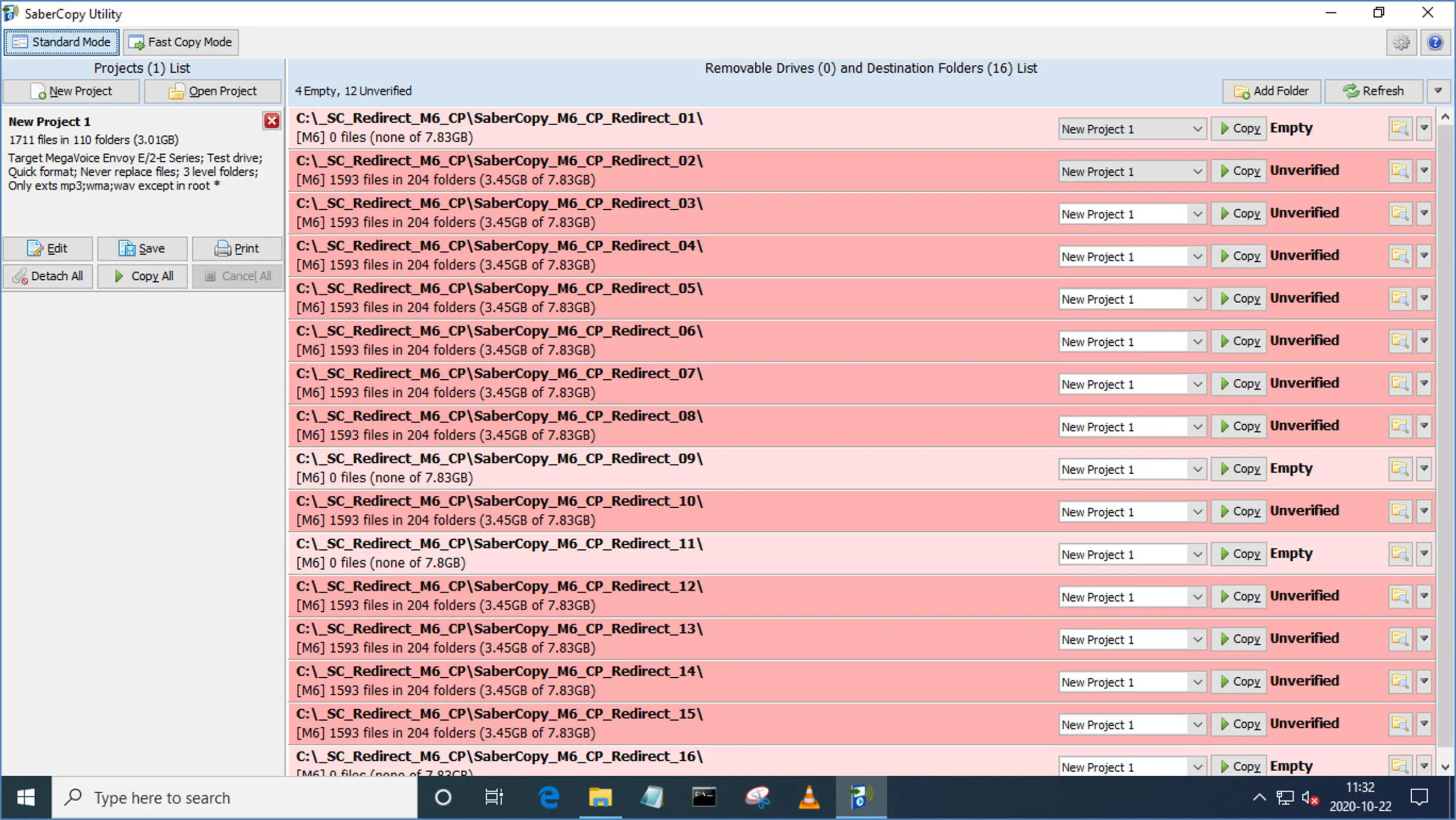
- New: The drive/folder list may now be sorted by device status (Copying, Verifying, Removed, etc.)
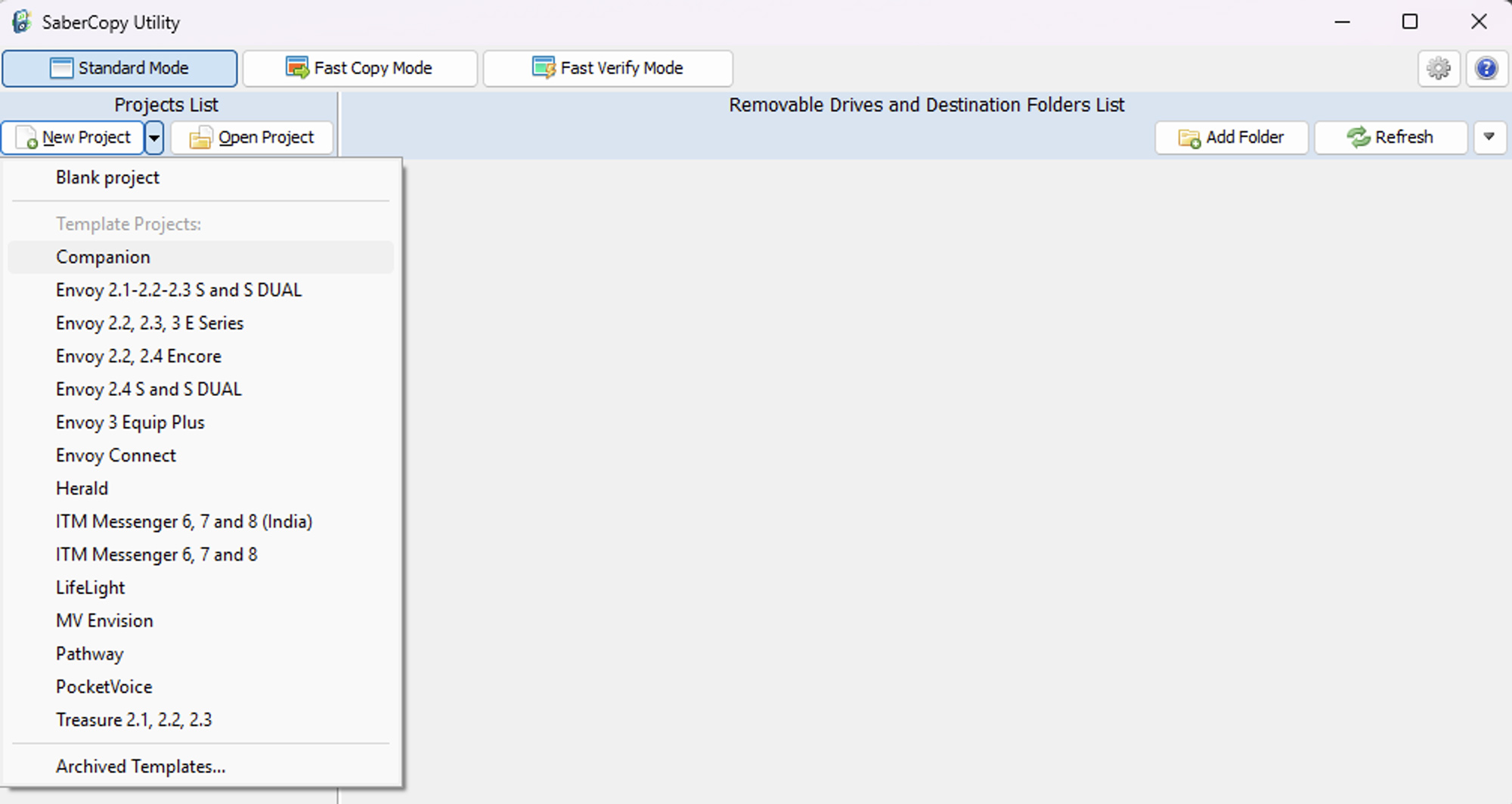
- New: Obsolete Template Projects may now be archived to not show in the primary list but still be available for use.
- New: Percent complete message displayed when SaberCopy generates Text-to-Speech files.
- New: Enhancements to the parsing of folder/file names for generated TTS files.
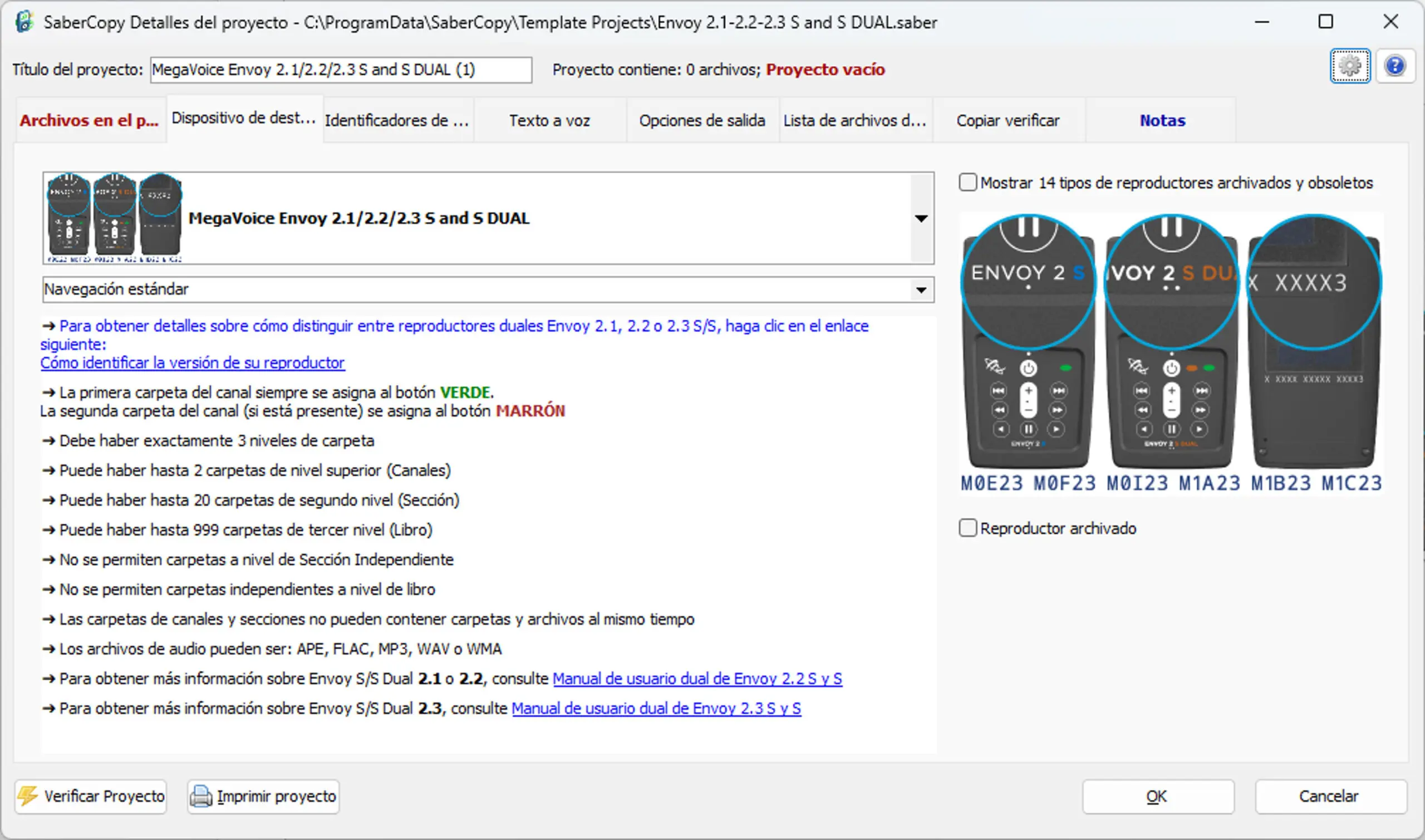
- New: Player names and Rule text can now be translated to be the same as the user interface language.
- New: The “Notes” tab has been modified to allow for text in any language (UTF-8 support).
- New: Devices attached via mount points/mapped folders may now be formatted.
- New: Enhancements to the “Write Drive Volume” field.
- New: Enhancement to the drive log window to “freeze” scrolling during copy/verify for easier reading.
- New: Support for Envision C Series (coming soon), Envoy 2.3 S and Envoy 2.3 E added.
- New: When the “duplicate files condition” is detected, it is also noted on the “Changes Made” tab.
- Various minor bug fixes and improvements.
SaberCopy v513 – December 14, 2023
- New: Simpler opening of template projects from the “New Project” button.
- New: USB model is displayed for each device in device tool tip.
- New: Warning if USB model does not match the device type of an attached project.
- New: Settings and Help buttons were added to the project window.
- New: Device types may be archived so they reduce the number of items on the device type list.
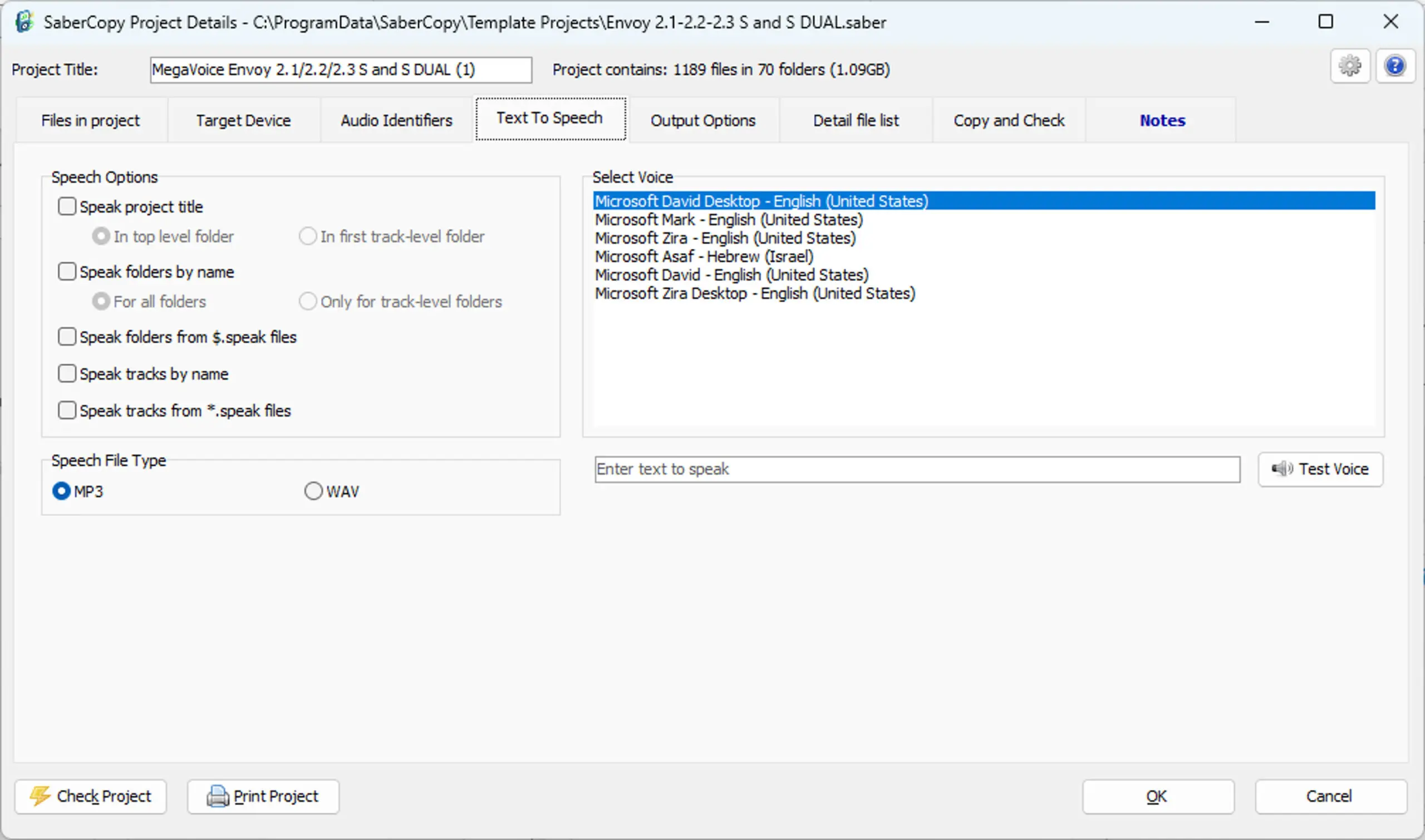
- New: WAV file option added for output text-to-speech files.
- New: Access to all installed voices for text-to-speech (must run SaberCopy as Administrator once).
- New: Added support for the new MV Envoy 2 Encore player.
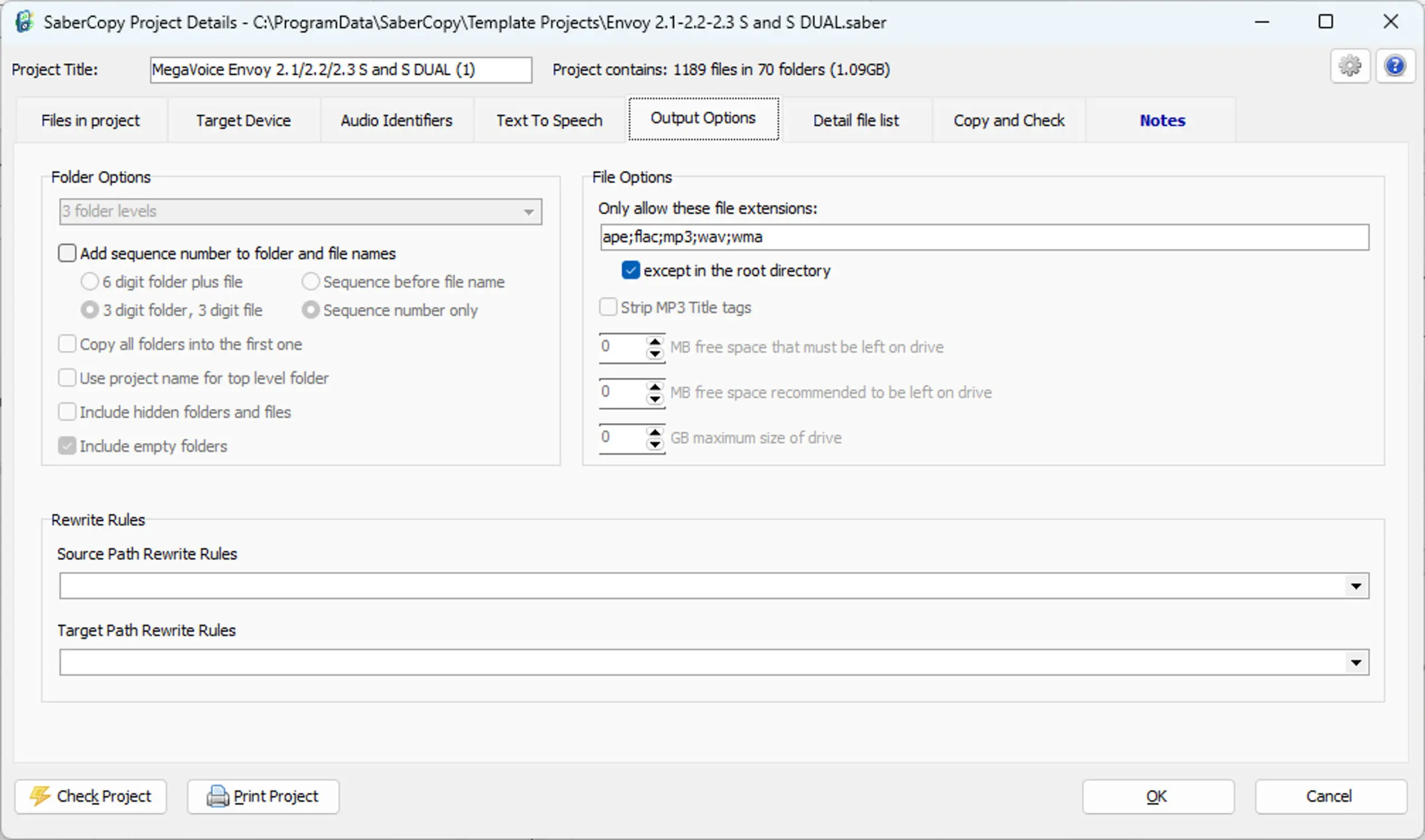
- New: Files automatically excluded by file extension are now listed on the Changes Made tab.
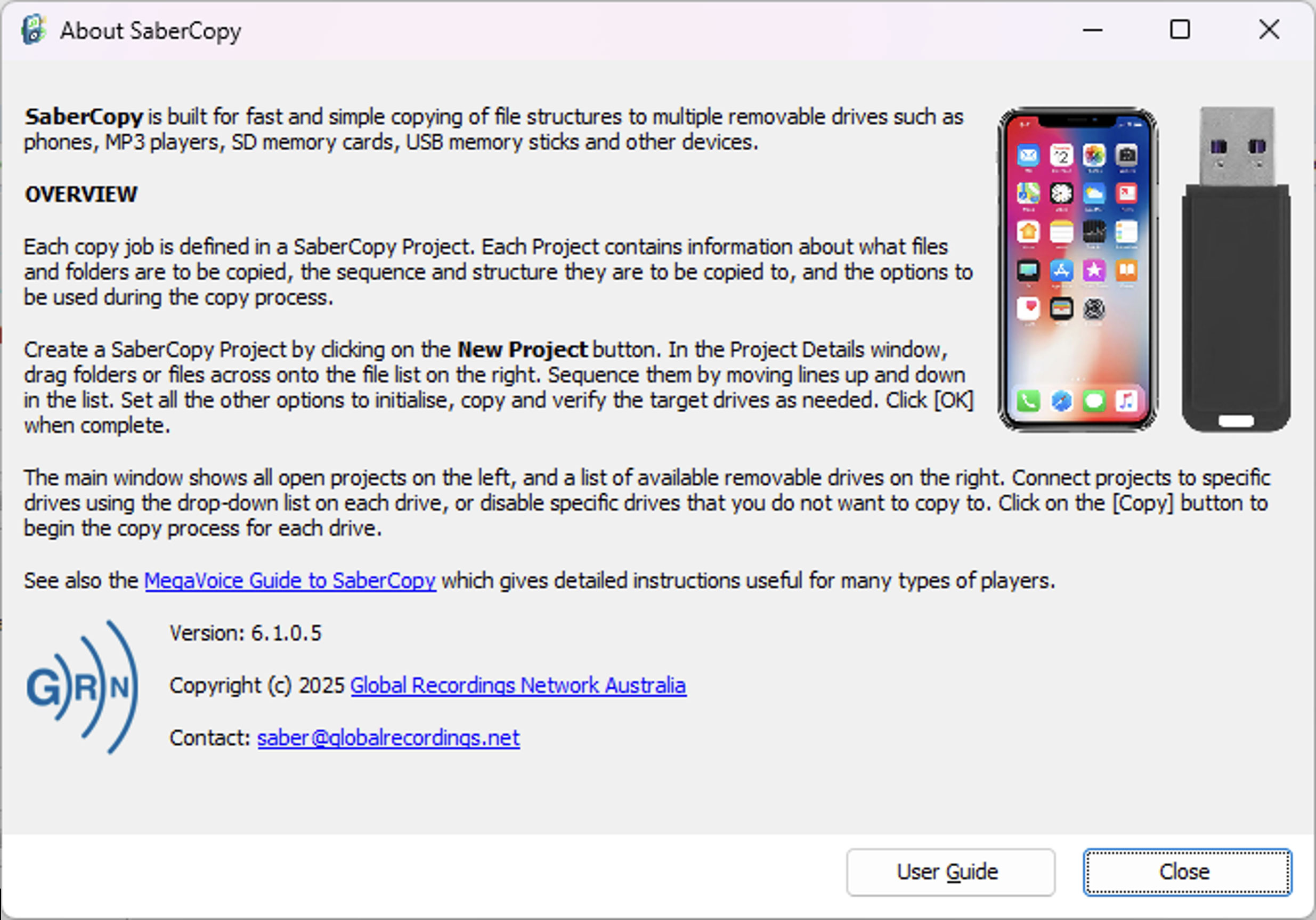
- New: It is now possible to open the MV SaberCopy User Guide directly from the About dialog box.
- Additional logging of format failures and elapsed time.
- Various minor bug fixes and improvements.
SaberCopy v506 – July 3, 2023
- New option to automatically eject/close a USB drive/folder after successful copy.
- Audible sounds when rule checks pass or fail.
- Destination path now always defaults to blank and the setting to control this has been removed for simplicity’s sake.
- New device rule types for Warnings and Critical Errors.
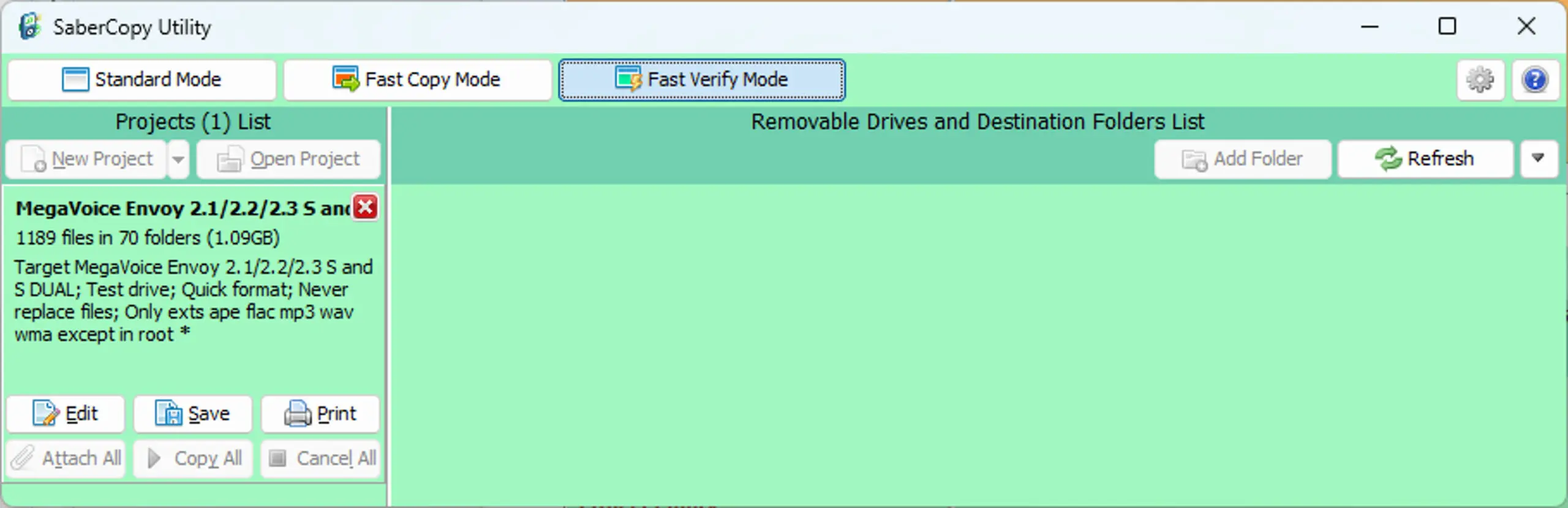
- New “Fast Verify Mode” for comparing player content to project definition without changing anything (works like “Fast Copy Mode”).
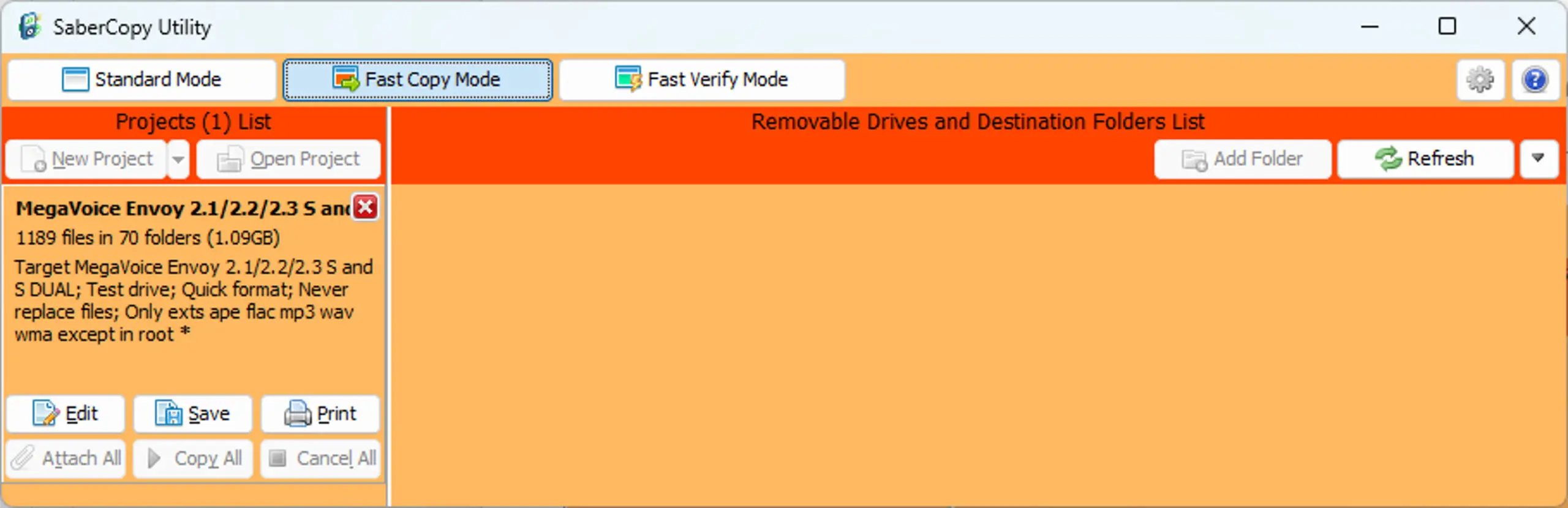
- “Fast Copy Mode” changed to be highly visible when active.
- Device dropdown list has been improved and streamlined.
- The “Hide Deprecated Players” checkbox has been moved to the Target Device tab.
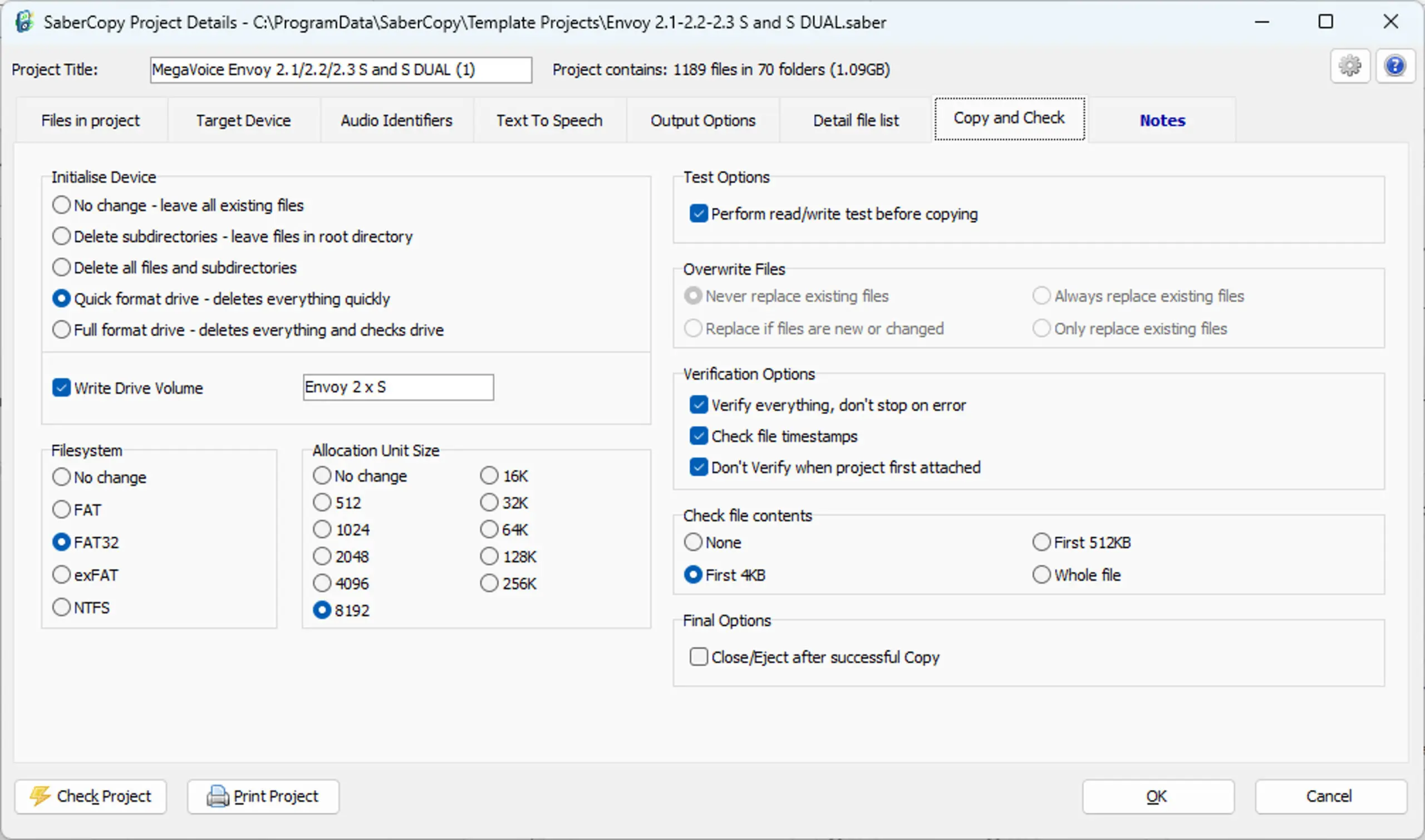
- New option to format devices with the exFAT File System.
- Added all available Allocation Unit Size options for each File System type.
- New alert if trying to copy files greater than 4GB to FAT or FAT32 devices.
- New rule types to speed up check of multiple source specs writing to the same destination folder.
- New warning if writing to the same destination from different file specs.
- New icons for different target drive types.
- Additional information added to debug and player logs.
- Various minor bug fixes and improvements.
SaberCopy v497 – November 9, 2022
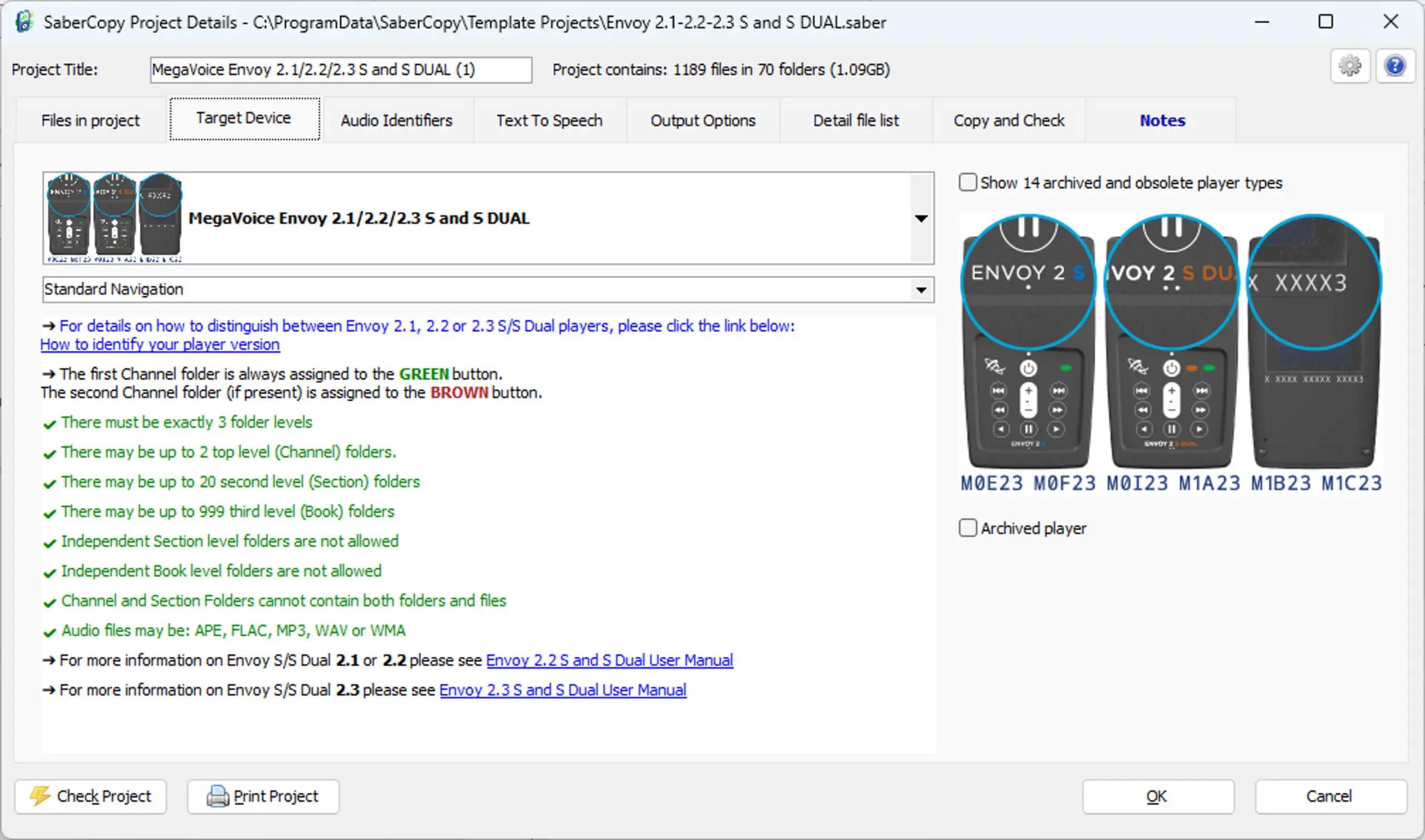
- Following the recent announcement of Cross Navigation being added to the Envoy 2.2 S Dual firmware, Cross Navigation support has been added to the “MegaVoice Envoy 2.1/2.2 S and S DUAL” device. On the Target Device tab, you can choose between Standard Navigation or Cross Navigation.
- The NEW MegaVoice LifeLight has been added to the device list with a corresponding template project!
- The device “Envoy S DUAL or 2S DUAL with Cross Navigation” has been merged into “MegaVoice Envoy S Dual, 2 S Dual”. Both Standard and Cross Navigation are now choices on the Target Device tab.
- The device, and corresponding template project, “Envoy S DUAL or 2S DUAL with Cross Navigation” has been removed.
- More helpful tooltips added to the Project dialog tabs.
- The Notes tab is highlighted when project notes are present.
- Source and target rewrite rules are now separated in the 2 dropdown lists.
- Player rules are not checked until files are added to the project.
- When opening a Template Project (or New Project), a sequence number is automatically added to the project name. This makes it possible to have the same template open numerous times, with each one loading different content to different devices.
- Enhanced drag & drop:
- Dragging content folder(s) onto the Main Screen will create a new project with that content.
- Dragging content from another window onto the Files in Project tab will add that content.
- Dragging a project file onto the Main Screen will open that project.
- The file explorer on the Files in Project tab has been enhanced to always remember the last folder used for selection of files.
- Announcing “Crossover” as an additional method for running SaberCopy on Mac OS. Information has been added to the SaberCopy User Guide.
- Some minor bug fixes and more…
SaberCopy v467 – December 8, 2020
- Vast enhancements for better support with screen reader software such as NVDA. (Tab order, tool tips, improved control names, etc.)
- New rule support for Envoy S Dual w/cross reference to verify that both Channel folders match where necessary.
- New rule support that can validate consecutive folder sequence numbers.
- When rules violations do occur, all errors are sorted to the top of the list for emphasis.
- Enhancement to rules validation where only folders are checked instead of all files where applicable.
- Improvements to the feature that can rename and number all folders and files with a 3-digit sequence to include all four folder structures.
- User setting for maximum number of clickable links in Detail File List (impacts speed of preparing display of contents for large projects)
- Additional methods of hash file verification (faster!) are now available.
- New device initialization options: Never replace existing files, Always replace existing files, Replace if files are new or changed, only replace existing files.
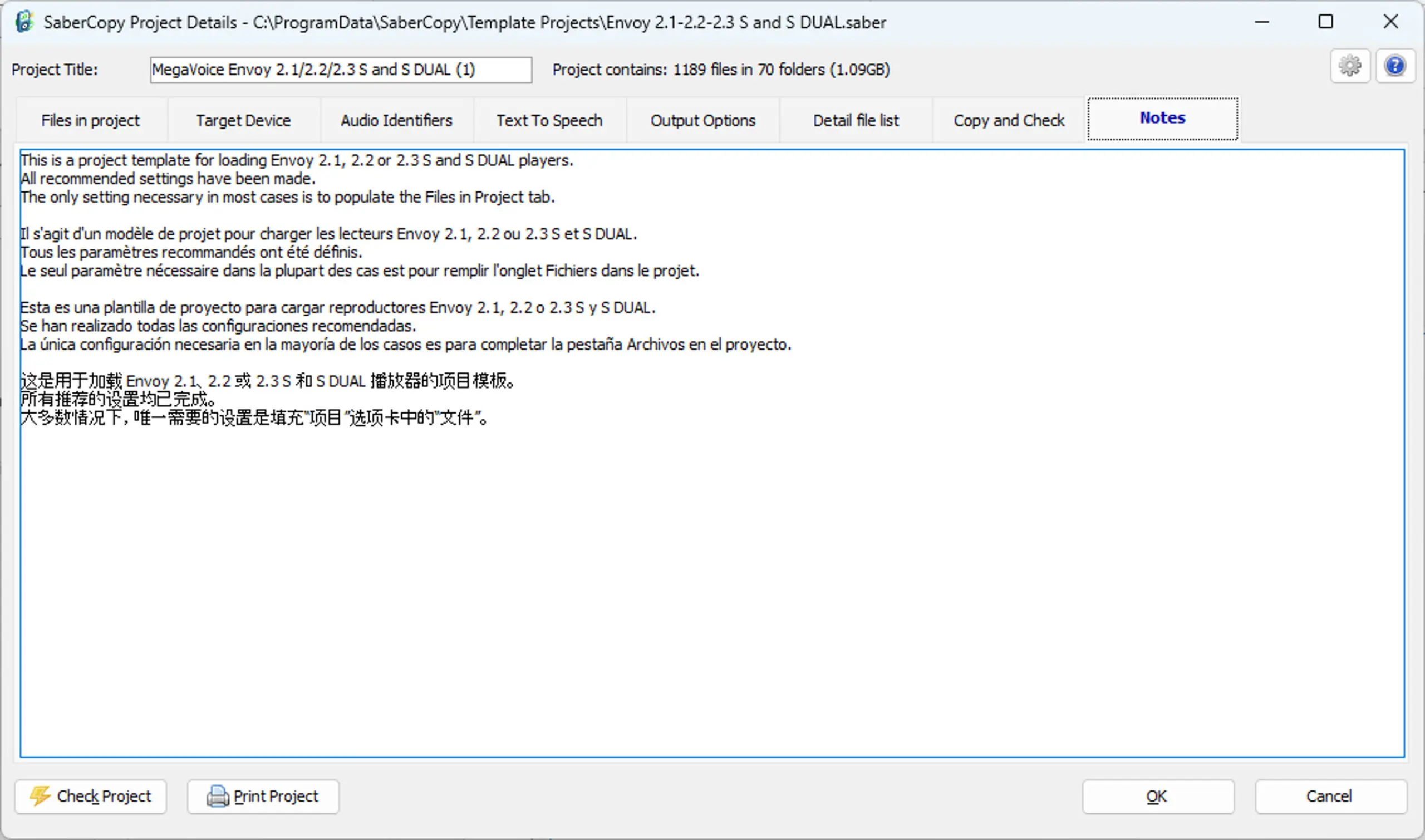
- Notes for a project may be saved with the project. Descriptions may also be saved for each entry on the “Files in project” tab.
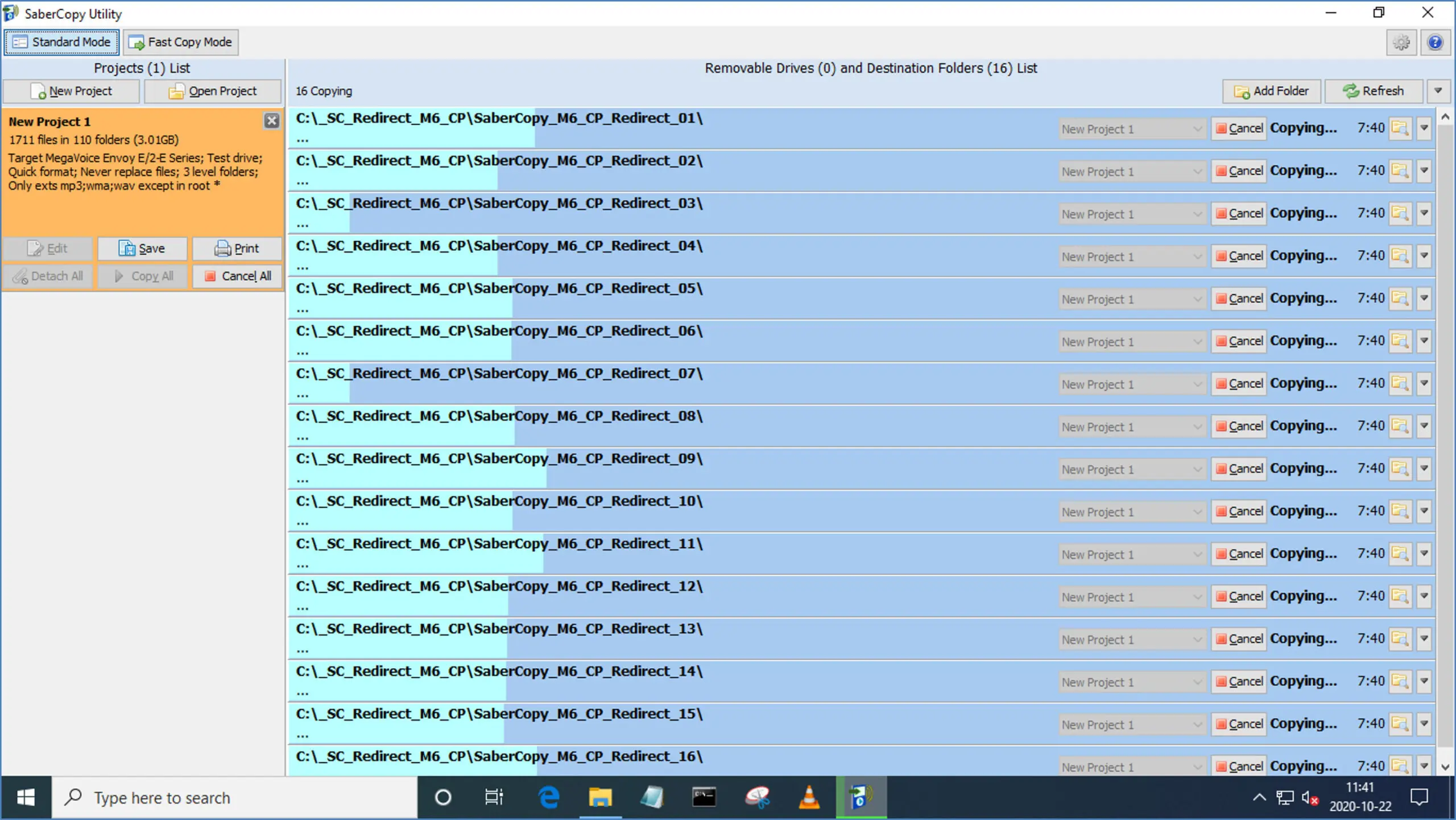
- Improved accuracy progress bar – now includes the file verification step and better handling of a small number of very large files.
- All currently connected drive states are summarized by count at the top of the drives list.
- Project templates with proper defaults for every MV player are now included in the installation.
- And more…
SaberCopy v436 – March 16, 2020
- Each MegaVoice player is listed as a separate device choice instead of groups.
- Each device now has specific folder and file rules that are checked by SaberCopy.
- Informational rules support hyperlinks for opening PDF manuals or web sites for additional information.
- Most rules per player can now be checked by SaberCopy; others coming soon in next release.
- New “Changes Made” tab that explains any folder or file name modifications made by SaberCopy.
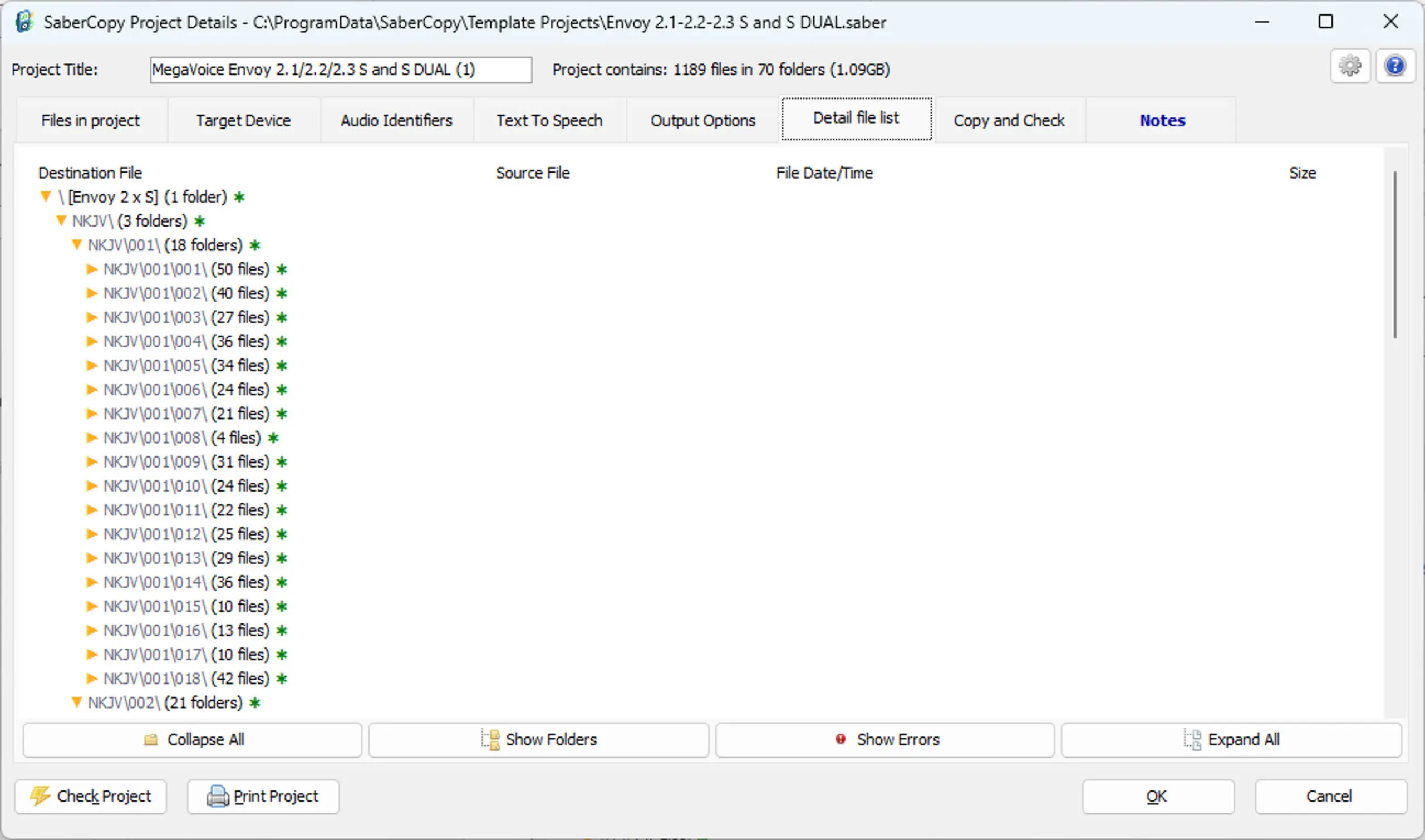
- Redesigned “Detail File List” tab with HTML style folder and file display.
- “Detail File List” also includes clickable links to open any file listed.
- New option for automated creation of player log directly to the device root.
- Improvements to automated file sequence numbers option – now works on any level of folders.
- For players supporting a choice of different folder levels, like the Envoy 2 E Series, the level can now be specified and the rules change accordingly.
- Enhanced checking for duplicate files in selected folders (by name, not content).
- Improvements to the text-to-speech options, including a real-time test feature.
- New user-configurable option to control population of the “Destination Folder” field.
- New user-configurable option to automatically hide folders selected to “Set as Master”.
- And more…
SaberCopy v412 – January 30, 2019
- Project and Drive specific functions moved onto their respective panels.
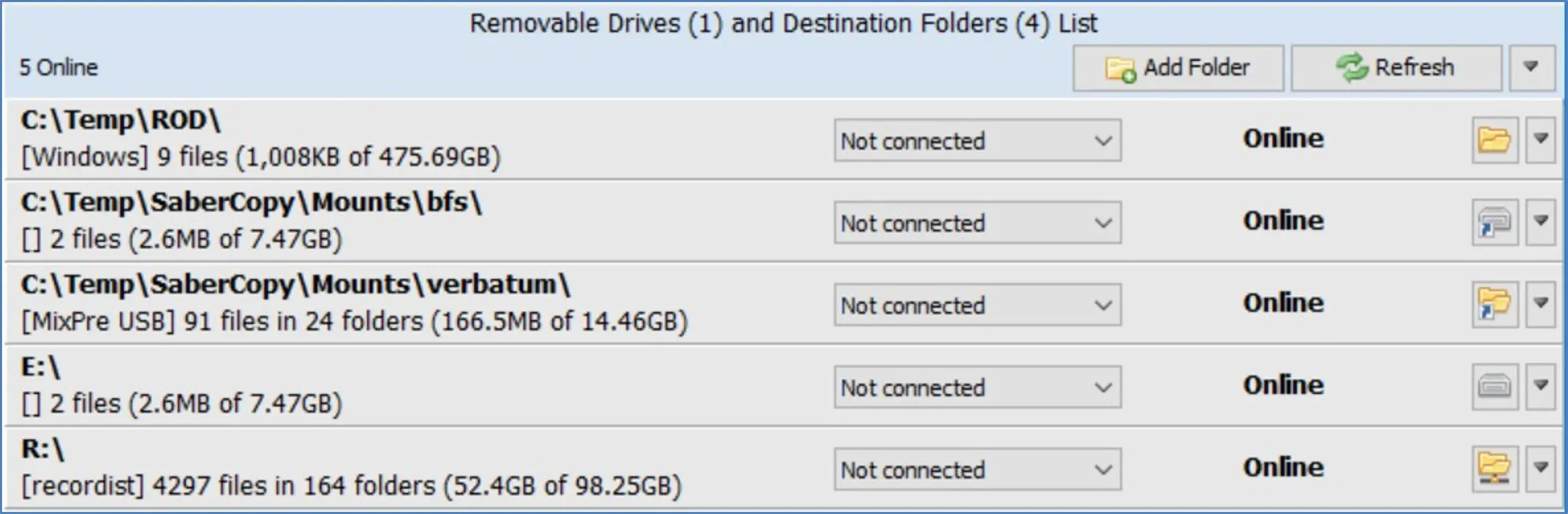
- Project and Drives panel headers now include counts of each.
- New “Detach All”, “Close All” and “Eject All” functions from the Drives panel.
- New Eject option to each individual drive menu (or disconnect if cannot be ejected).
- “Attach All” button on Project becomes “Detach All” if all drives are connected to projects.
- Selection dialogs allow for multi-select of folders and files.
- Improvements to reflect the state of disabled and removed drives.
- Added support for use of mapped folders (mount points) to resolve drive letter limitation.
- Improvements to mouse-wheel support in player/folder list on main screen.
- Added choices for MegaVoice players.
- Added support for inclusion of empty folders in audio message.
- Improved handling for players that disconnect while loading.
- More details recorded to player log.
- Project window changes color while project is active.
- Improved handling of file paths that reach 260 characters or more (up to device maximum).
- Enhancements to existing tool tips with addition of some new ones.
- Multiple files dropped at once on Source File Spec will be reduced to a single wildcard entry if possible.
- Last folders used for project and folder selection are both remembered.
- Failsafe added to prevent selection of “format” to NTFS target drive.
SaberCopy v343 – July 25, 2017
- Improved sorting of subfolders within a filespec (important for players where copy sequence is playback sequence).
- Added file and folder counts to log.
- Added log message for deletion of empty folders.
- Suppress error in log when bypassing a file that doesn’t need to be copied.
- April 12, 2026: SaberCopy v617 available. Please clear cache before downloading the file.
- April 12, 2026: SaberCopy User Guide PDF updated. Please clear cache to see the new PDF.
- June 11, 2025: SaberCopy v615 available. Please clear cache before downloading the file.
- June 11, 2025: SaberCopy User Guide PDF updated. Please clear cache to see the new PDF.
- December 23, 2024: SaberCopy v613 available. Please clear cache before downloading the file.
- December 23, 2024: SaberCopy User Guide PDF updated. Please clear cache to see the new PDF.
- August 22, 2024: SaberCopy v604 available. Please clear cache before downloading the file.
- August 22, 2024: SaberCopy User Guide PDF updated. Please clear cache to see the new PDF.
- December 14, 2023: SaberCopy v513 available. Please clear cache before downloading the file.
- December 14, 2023: SaberCopy User Guide PDF updated. Please clear cache to see the new PDF.
- July 5, 2023: SaberCopy v506 available. Please clear cache before downloading the file.
- July 5, 2023: SaberCopy User Guide PDF updated. Please clear cache to see the new PDF.
- May 23, 2022: SaberCopy v489 available. Please clear cache before downloading the file.
- May 23, 2022: SaberCopy User Guide PDF updated. Please clear cache to see the new PDF.
- December 8, 2020: SaberCopy v467 available. Please clear cache before downloading the file.
- December 8, 2020: SaberCopy User Guide PDF updated. Please clear cache to see the new PDF.
- March 16, 2020: SaberCopy Version 436 available. Please clear cache before downloading the file.
- March 16, 2020: SaberCopy User Guide PDF updated. Please clear cache to see the new PDF.
- February 1, 2019: SaberCopy Version 412 available. Please clear cache before downloading the file.
- February 1, 2019: SaberCopy User Guide PDF updated. Please clear cache to see the new PDF.
- November 9, 2018: SaberCopy User Guide PDF updated. Please clear cache to see the new PDF.
- May 15, 2018: SaberCopy User Guide PDF updated. Please clear cache to see the new PDF.
- August 1, 2017: SLS vs SaberCopy PDF updated. Please clear cache to see the new PDF.
- July 25, 2017: SaberCopy version 343 is now available for download as well as an updated User Guide PDF!